





AcornOS documentation
Getting Started
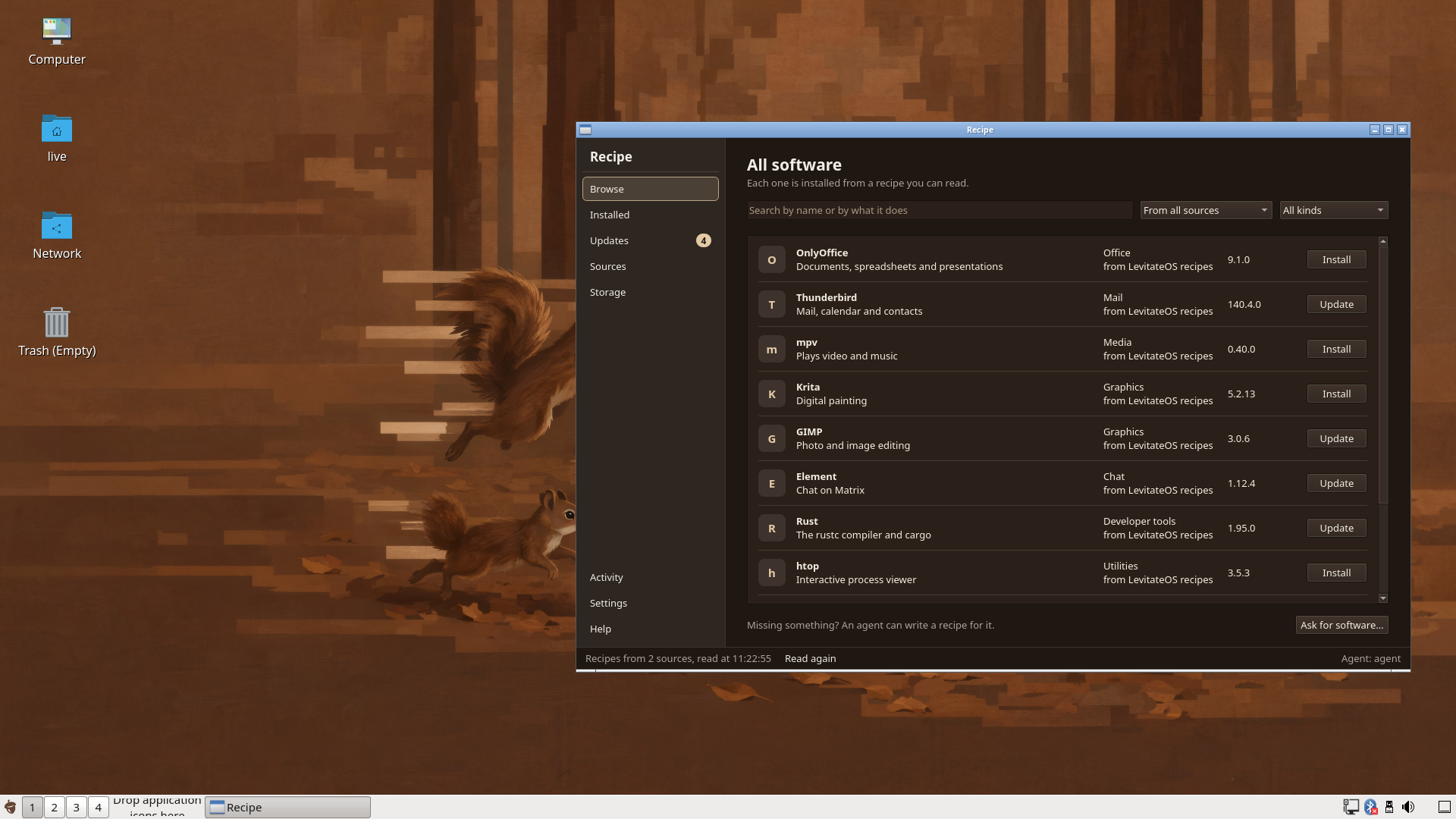
Get the AcornOS live ISO and create bootable installation media.
Requirements
- CPU: x86-64
- RAM: 4 GB (8 GB with the desktop)
- Storage: 64 GB. The default A/B layout uses 1 GB for EFI and 20 GB for each root, and gives the rest to
/var - Boot: UEFI. AcornOS's boot files are unsigned, so Secure Boot must be disabled
Note
A/B by default: the system lives in two roots, A and B. The booted root is locked; changes are made in the other root, and if it does not finish starting the machine starts the previous root again. Mutable mode, one root changed in place, is an explicit opt-in with no recab and no A/B. See A/B Roots.
Get the ISO
AcornOS is an x86_64 live ISO that boots into the install environment. The Download page has the released version, its checksum and its known limits, or you can build the ISO from the public source, in a checkout of the repository:
Shell
cargo xtask setup
cargo xtask build kernel <distro> --prebuilt
cargo xtask build release <distro>
Use the variant's id as <distro> (acorn or levitate). The last command prints the path of the ISO it built; cargo xtask --help lists every build. A release publishes a acornos-x86_64.iso.sha512 checksum beside the ISO, checked with sha512sum -c.
Creating Bootable Media
USB Drive (Linux/macOS)
Shell
# Find your USB device (usually /dev/sdX or /dev/diskX)
lsblk  # Linux
diskutil list  # macOS

# Write the ISO (CAUTION: this erases the drive)
sudo dd if=acornos-x86_64.iso of=/dev/sdX bs=4M status=progress oflag=sync
USB Drive (Windows)
Use Rufus with DD image mode.
Virtual Machine (QEMU)
Shell
# Create a 64 GB virtual disk
qemu-img create -f qcow2 disk.qcow2 64G

# Boot the installer (the OVMF firmware path varies by distribution)
qemu-system-x86_64 \
  -m 4G \
  -smp 2 \
  -enable-kvm \
  -cpu host \
  -bios /usr/share/ovmf/OVMF.fd \
  -cdrom acornos-x86_64.iso \
  -drive file=disk.qcow2,format=qcow2,if=none,id=disk0 \
  -device nvme,drive=disk0,serial=disk0 \
  -boot d
Next Steps
Boot from the ISO to enter the live environment, then follow the Installation guide to install AcornOS.